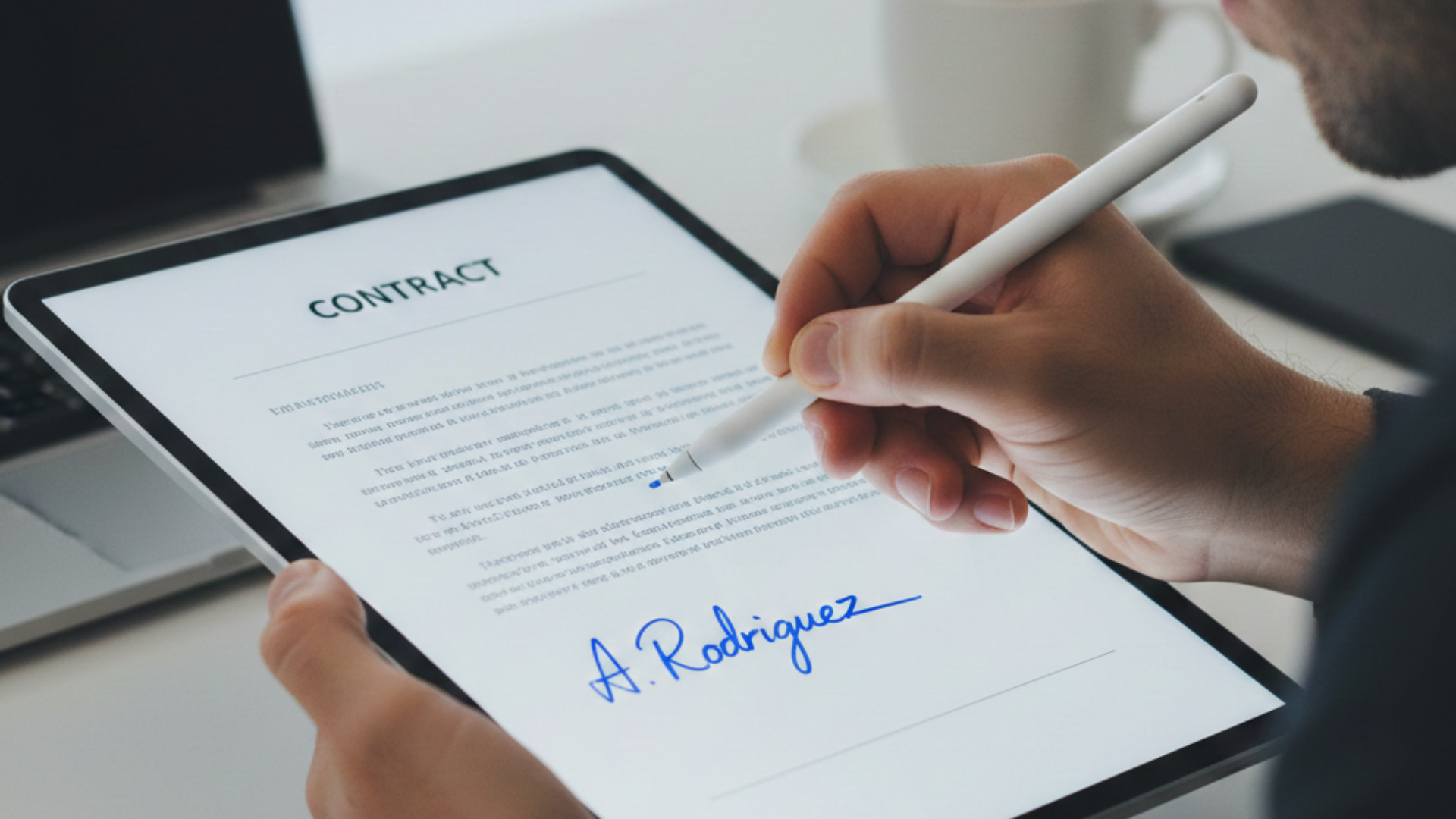
If you’ve ever printed a 12-page contract just so someone can scribble a signature on page 11, you already know: “paperless” is often a lie.
Most workflows today are semi-paperless at best. Documents might start life as a PDF, but somewhere between “Please sign and return” and “Fully executed copy attached,” a printer springs into action and a pile of paper appears on someone’s desk.
Inkless was built to break that cycle.
In this post, we’ll look at why traditional “digital” signing still drags you back to paper, what a true paperless workflow looks like, and how Inkless e-signing replaces printing with a secure, auditable, end-to-end digital process.
The Problem: “Just Print, Sign, Scan It Back”
Here’s how a typical signing process still goes in a lot of organisations:
- Someone generates a Word document.
- They export it to PDF.
- They email it to the client: “Please print, sign, scan and email back.”
- The client:
- Prints the document
- Signs it with a pen
- Scans it (or takes a photo)
- Emails a fuzzy JPEG or multi-page PDF back
- Someone internally prints that version again for filing, or drags it into a network folder and hopes the filename makes sense in six months.
This creates a bunch of problems:
- Paper waste & storage – Files, folders, boxes… and eventually, shredders.
- Lost or mismatched versions – Which of these seven attachments is “the one they actually signed”?
- No real audit trail – You might have an email chain, but nothing close to a tamper-evident record of who signed what, when, from where.
- Painful for signers – Especially if they’re on a phone, don’t have a printer, or aren’t confident with scanning.
In short: the process might begin on a screen, but it relies on paper to finish the job.
What “True Paperless” Actually Means
A lot of systems call themselves paperless because the document is a PDF.
That’s not enough.
A true paperless alternative to printing must:
- Start digital and stay digital – No printing at any stage. The document is created, sent, signed and stored entirely in digital form.
- Handle signatures natively – Signers can draw or type their signature directly on the document in their browser—no extra apps, no downloads.
- Provide a proper audit trail – Every key event is logged: who sent what, who opened the email, who accessed the secure link, who signed, and when.
- Be secure by design – Strong authentication, expiring links, encrypted storage, and tamper-evident signed PDFs.
- Fit into real-world workflows – Merge fields, templates, multiple recipients, signing order, and compliance-friendly records.
This is the gap Inkless is designed to fill.
Meet Inkless: E-Signing Without the Printer
Inkless is an e-signature platform built around one simple idea:
You should never need to print a document just to sign it.
Here’s how a typical Inkless flow replaces the old print-sign-scan routine.
1) Prepare & Send – All Digital
- Start with your document: PDF, DOC, or DOCX.
- Add merge fields like
${client_name}or${agreement_date}to personalise each document. - Choose your recipients and set the signing order (for example, Client first, then Director).
- Inkless converts and prepares a clean, signing-ready PDF and sends secure links to each signer.
No printing. No manual attachment juggling. No cutting and pasting text into new docs for each client.
2) Secure Links, Not Loose Attachments
Instead of flinging raw PDFs around via email, Inkless uses secure, one-time links:
- Each signer gets a unique link.
- Links are time-limited and can be revoked or resent with updated expiry.
- Access can be locked behind an OTP (one-time code) via email or SMS, depending on your settings.
The signer clicks the link, passes any required authentication, and is taken straight to the document in their browser.
3) Sign Directly on the Document
On the signing page:
- The document is shown clearly in a zoomable, responsive viewer.
- Signature boxes, date fields, text inputs and checkboxes are placed exactly where they belong.
- If a signer has to sign in multiple places or initial several boxes, anything filled once can sync across all matching spots.
Signers can:
- Draw their signature with a mouse, trackpad, or touchscreen.
- Type their name and apply a styled “signature”.
- Fill in any required text fields (for example, job title) and tick required checkboxes.
All without leaving the browser, installing apps, or printing.
4) Tamper-Evident PDFs & Audit Trails
Once everyone has signed:
- Inkless generates a digitally signed PDF that is tamper-evident. If someone tries to modify the file afterwards, that’s detectable.
- A cryptographically chained audit log records each important step, including:
- Secure link creation
- Emails sent
- Link opened
- OTP verification (if used)
- Fields completed
- Signature applied
- Final document sealing
The audit trail is stored as a separate file and can be bundled together with the final signed document in a ZIP archive. That bundle is your record for regulators, auditors, or courts.
Still zero paper.
Why Inkless Beats “Print, Sign, Scan”
Let’s stack the traditional process against Inkless.
Speed & Convenience
Printing & scanning:
- Depends on hardware (printer, scanner).
- Breaks down when someone is travelling, at home, or not tech-savvy.
- Creates friction: delays are common.
Inkless:
- Works on laptop, tablet, or phone.
- Guided signing interface – the signer is taken field-by-field to what matters.
- Signers can complete everything in a few minutes from wherever they are.
Security & Compliance
Printing & scanning:
- Paper copies can be lost, copied, or left on a printer.
- Scanned images often have no verifiable signing history.
- It’s hard to prove who actually signed something and when.
Inkless:
- One-time, expiring links and optional OTP verification.
- Document integrity guaranteed via digital signatures.
- Full audit trail with event timestamps and cryptographic hashes.
- Built with regulatory expectations (for example, eIDAS and ESIGN concepts) in mind.
Environmental & Cost Impact
Printing & scanning:
- Paper, ink or toner, and machine maintenance.
- Physical archival storage and shredding later.
Inkless:
- No paper, no ink, no physical storage.
- Reduced admin time for staff—no hunting for printers or doing scan gymnastics.
- Fewer “Can you resend that signed copy?” headaches.
Who Benefits from a Truly Paperless Signing Flow?
Inkless is designed for organisations that send a lot of documents and want a robust digital trail without drowning in paper. For example:
- Financial & credit firms – Loan agreements, credit checks, payment plans, and consent forms.
- Legal and compliance teams – Engagement letters, NDAs, contracts and regulatory forms that must be provable and tamper-evident.
- Political or membership organisations – Member consent forms, internal agreements, branch policies, and declarations.
- Service businesses & agencies – Statements of work, client onboarding, and ongoing contract renewals.
If you rely on documents that need clear acceptance and a trusted record, Inkless replaces printing with something faster, safer, and more defensible.
Going Beyond “Paperless” Buzzwords
A lot of tools talk about being paperless, but if your staff or clients are still being told:
“Just print, sign, and scan it back.”
…then you’re not really there yet.
Inkless is about removing that sentence from your vocabulary.
- No one has to own a printer to do business with you.
- You can demonstrate exactly how and when each signature was applied.
- You can pull up a complete, sealed audit trail in seconds—without rummaging through filing cabinets.
Ready to Ditch the Printer?
If you’re serious about a true paperless alternative to printing, an e-signing system like Inkless isn’t just a convenience upgrade—it’s a structural change in how your organisation handles trust, consent, and records.
Instead of turning digital documents into paper just to turn them back into digital again, you:
- Create once.
- Send securely.
- Sign online.
- Archive digitally—with a verifiable trail behind every signature.
No more ink. No more paper. Just Inkless.